
Files & documents
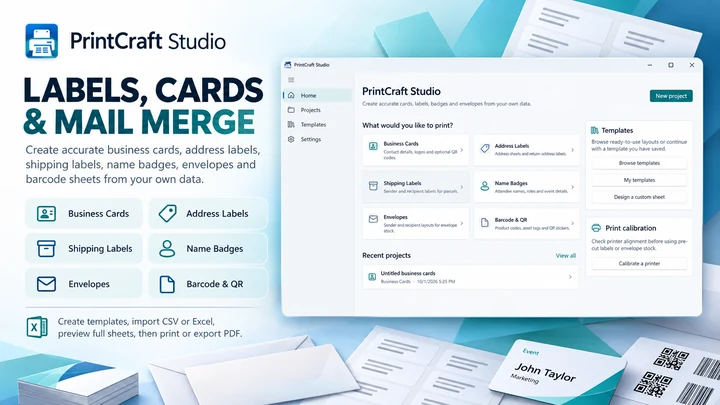
PrintMerge Studio
Create labels, cards, and print layouts with a dedicated Windows workspace.
Files & documents
FilePull
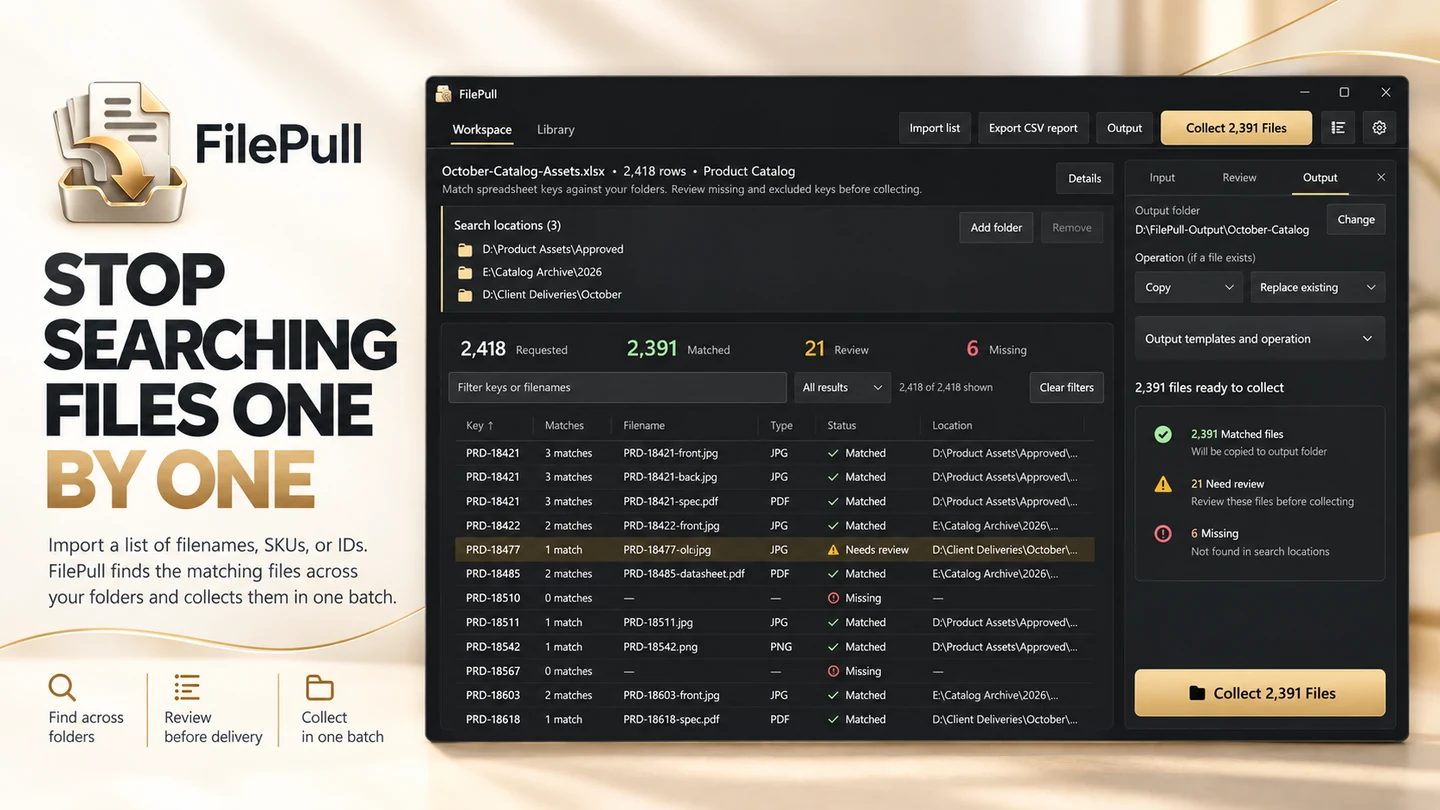
Find and collect files in batches using a list of filenames, SKUs, or IDs.
Windows app. Pricing and requirements are listed on Microsoft Store.
At a glance
View the official listingMeet FilePull
FilePull turns a spreadsheet or file list into the exact files you need. If you regularly receive a list of filenames, SKUs, product codes, part numbers, order IDs, document IDs, job numbers, or other references and then spend time searching through folders to find every matching file, FilePull is built for that job. Instead of opening File Explorer, searching for one filename, copying it, searching for the next filename, and repeating the same process hundreds or thousands of times, import your list into FilePull and collect the matching files in one controlled batch. FilePull is designed for professionals who work with large collections of product images, customer files, photographs, drawings, PDFs, documents, print assets, engineering files, catalog assets, project deliverables, and other files referenced by a spreadsheet or list.
See the Microsoft Store listing for current features, system requirements, supported languages, and purchase options.
Common questions
FilePull is a Windows app by SteveShines in the Files & documents category. Find and collect files in batches using a list of filenames, SKUs, or IDs.
Highlights of FilePull: Batch file collection; Review matched and missing files; Save reusable workflows.
FilePull is a Windows desktop app. See the Microsoft Store listing for current system requirements.
Install FilePull from its official Microsoft Store listing (https://apps.microsoft.com/detail/9NW61ZXZ47XH). Microsoft Store handles installation and updates, and the listing shows current pricing and purchase options.
FilePull is developed and published by SteveShines, which makes Windows apps for files, media, creative work, and desktop productivity. For help, use https://steveshines.com/contact/.
Create labels, cards, and print layouts with a dedicated Windows workspace.
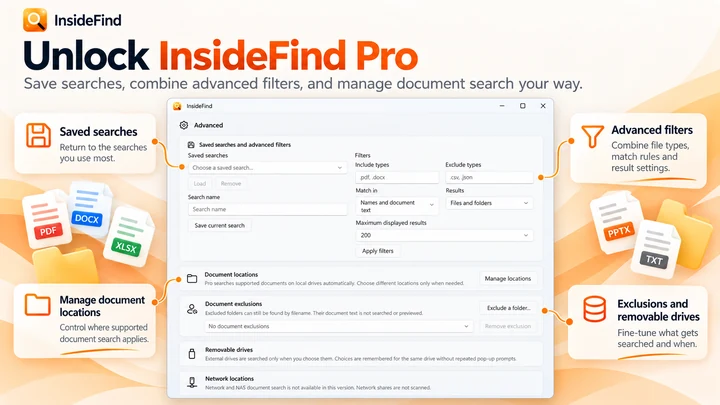

Search filenames and, with InsideFind Pro, the text inside supported documents.

Copy files from cards with verification built into the workflow.
Workflow guide
Collect matching files from folders using a list of filenames, SKUs, or product IDs. Review missing and duplicate matches before copying files into one folder.
Troubleshooting
Troubleshoot failed video downloads on Windows 11, from unrecognized URLs and permission errors to interrupted transfers, storage issues, and batch download problems.
Explainer
Keep reference windows and notes visible on Windows 11 with Snap layouts, PowerToys Always On Top, or DeskPilot+ floating notes and window pinning.