
檔案與文件
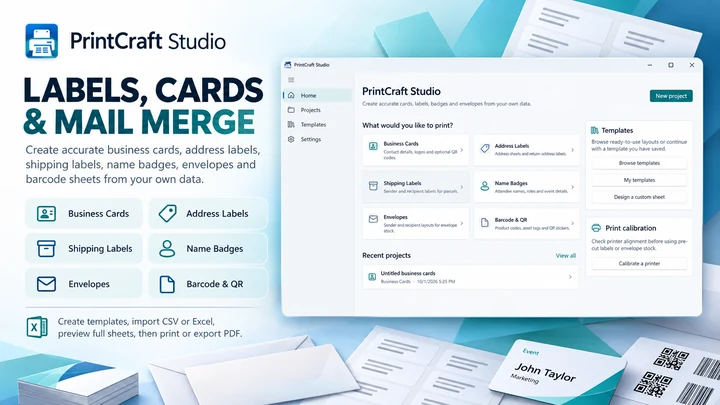
PrintMerge Studio
在 Windows 專屬工作區中建立標籤、卡片和列印版面配置。
檔案與文件
FilePull
根據檔名、SKU 或 ID 清單批量尋找與收集檔案。
Windows 應用程式。價格與系統需求請見 Microsoft Store。
重點一覽
查看官方商店頁面認識 FilePull
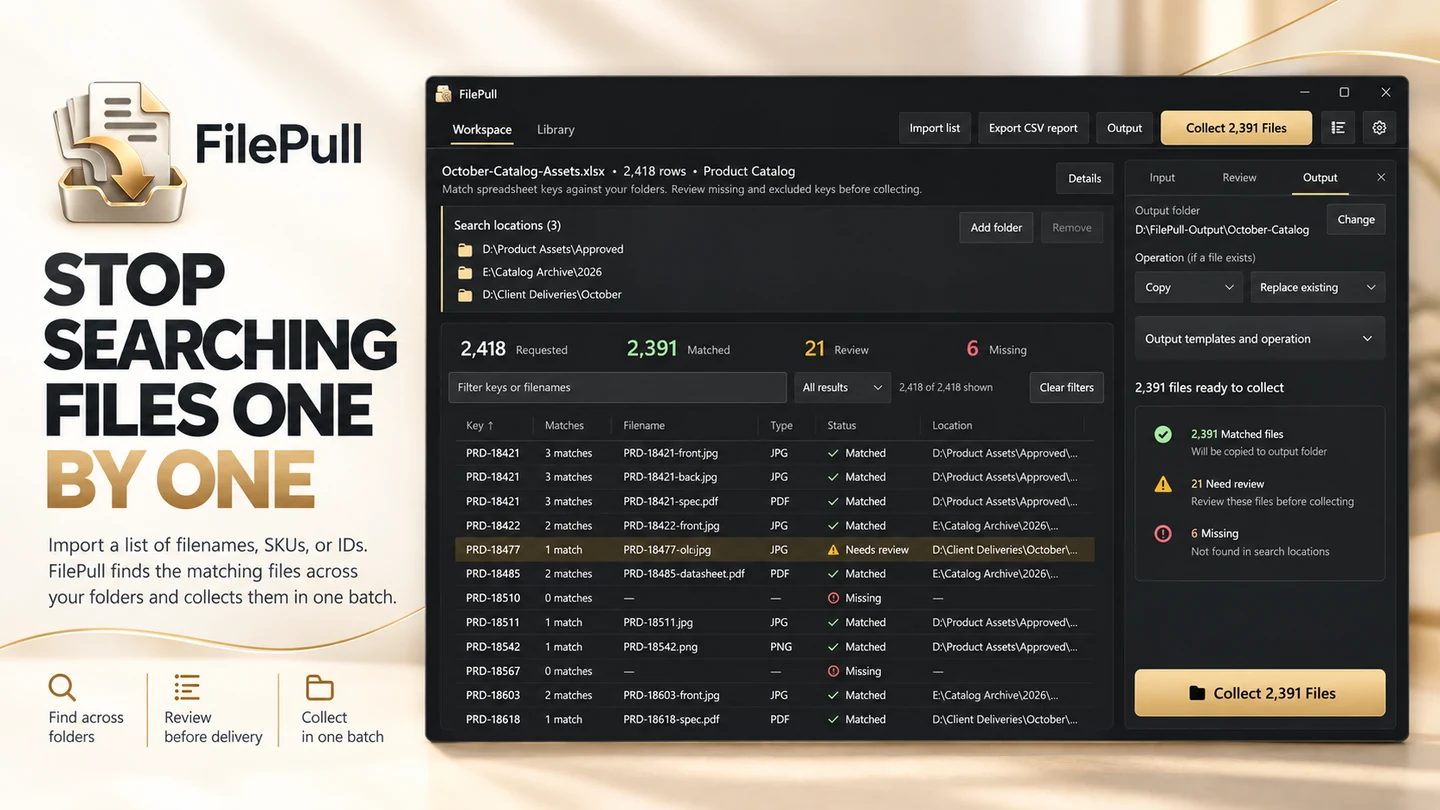
FilePull 可將電子試算表或檔案清單直接轉換為您所需的準確檔案。如果您經常收到一份包含檔名、SKU、產品代碼、零件號、訂單 ID、文件 ID、工號或其他引用的清單,然後花費大量時間在資料夾中搜尋每一個匹配的檔案,FilePull 正是為此而生。您無需反覆開啟檔案總管、搜尋檔名、複製檔案並重複成百上千次,只需將清單匯入 FilePull,即可在一個受控的批次處理中收集所有匹配的檔案。FilePull 專為處理由電子試算表或清單引用的海量產品圖片、客戶檔案、照片、圖紙、PDF、文件、列印素材、工程檔案、目錄資源、專案交付物及其他檔案的專業人士而設計。
最新功能、系統需求、支援語言與購買選項,請以 Microsoft Store 頁面為準。
常見問題
FilePull 是 SteveShines 推出的 Windows 應用程式,屬於「檔案與文件」類別。根據檔名、SKU 或 ID 清單批量尋找與收集檔案。
FilePull 的主要功能:批量檔案收集;核對匹配與缺失的檔案;保存可複用的工作流程。
FilePull 是 Windows 桌面應用程式。最新的系統需求請見 Microsoft Store 頁面。
請從 FilePull 的官方 Microsoft Store 頁面(https://apps.microsoft.com/detail/9NW61ZXZ47XH)安裝。安裝與更新由 Microsoft Store 處理,頁面上會顯示目前的價格與購買選項。
FilePull 由 SteveShines 開發與發行。SteveShines 專為檔案、媒體、創意工作與桌面生產力打造 Windows 應用程式。如需協助,請使用 https://steveshines.com/zh-tw/contact/。
在 Windows 專屬工作區中建立標籤、卡片和列印版面配置。
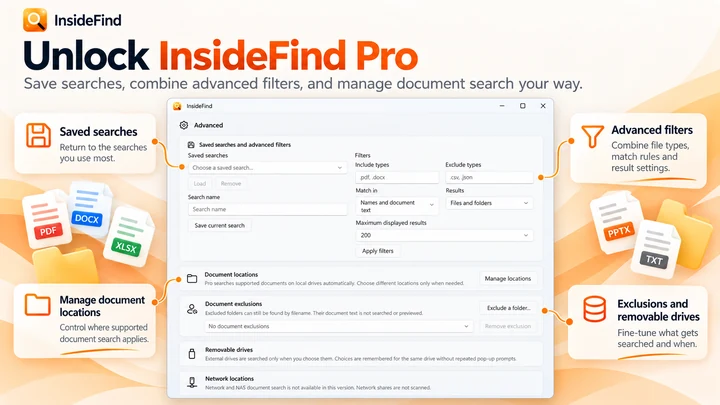

搜尋檔名;結合 InsideFind Pro,還可搜尋支援文件內部的內文。

從記憶卡複製檔案,流程內建校驗功能。
Workflow guide
Collect matching files from folders using a list of filenames, SKUs, or product IDs. Review missing and duplicate matches before copying files into one folder.
Troubleshooting
Troubleshoot failed video downloads on Windows 11, from unrecognized URLs and permission errors to interrupted transfers, storage issues, and batch download problems.
Explainer
Keep reference windows and notes visible on Windows 11 with Snap layouts, PowerToys Always On Top, or DeskPilot+ floating notes and window pinning.