
文件与文档
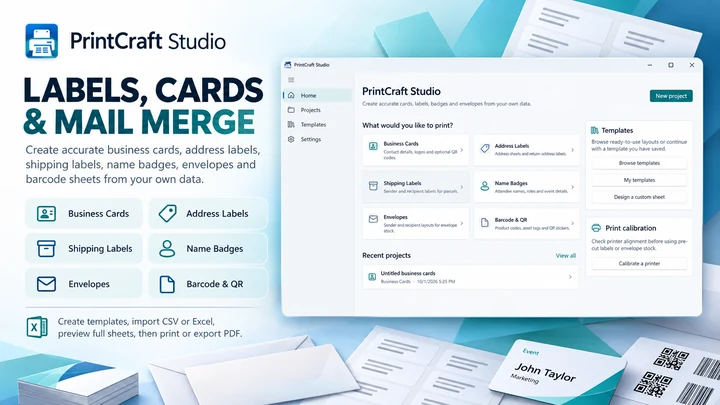
PrintMerge Studio
在 Windows 专属工作区中创建标签、卡片和打印布局。
文件与文档
FilePull
根据文件名、SKU 或 ID 列表批量查找和收集文件。
Windows 应用。价格和系统要求请见 Microsoft Store。
要点一览
查看官方商店页面认识 FilePull
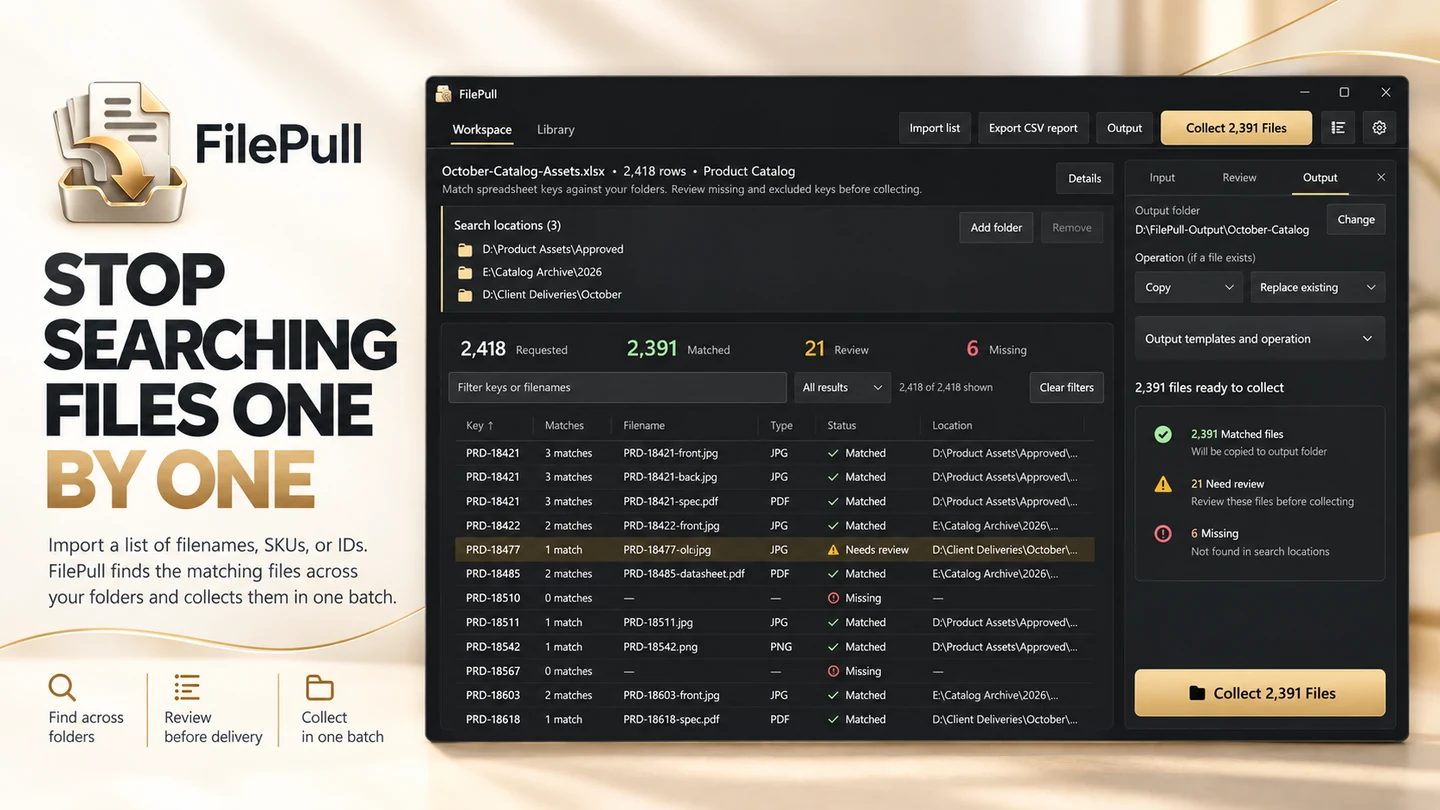
FilePull 可将电子表格或文件列表直接转换为您所需的准确文件。如果您经常收到一份包含文件名、SKU、产品代码、零件号、订单 ID、文档 ID、工号或其他引用的列表,然后花费大量时间在文件夹中搜寻每一个匹配的文件,FilePull 正是为此而生。您无需反复打开资源管理器、搜索文件名、复制文件并重复成百上千次,只需将列表导入 FilePull,即可在一个受控的批处理中收集所有匹配的文件。FilePull 专为处理由电子表格或列表引用的海量产品图片、客户文件、照片、图纸、PDF、文档、打印素材、工程文件、目录资源、项目交付物及其他文件的专业人士而设计。
最新功能、系统要求、支持的语言和购买选项,请以 Microsoft Store 页面为准。
常见问题
FilePull 是 SteveShines 推出的 Windows 应用,属于“文件与文档”类别。根据文件名、SKU 或 ID 列表批量查找和收集文件。
FilePull 的主要功能:批量文件收集;核对匹配与缺失的文件;保存可复用的工作流。
FilePull 是 Windows 桌面应用。最新的系统要求请见 Microsoft Store 页面。
请从 FilePull 的官方 Microsoft Store 页面(https://apps.microsoft.com/detail/9NW61ZXZ47XH)安装。安装和更新由 Microsoft Store 负责,页面上会显示当前的价格和购买选项。
FilePull 由 SteveShines 开发和发布。SteveShines 专为文件、媒体、创意工作和桌面效率打造 Windows 应用。如需帮助,请访问 https://steveshines.com/zh-cn/contact/。
在 Windows 专属工作区中创建标签、卡片和打印布局。
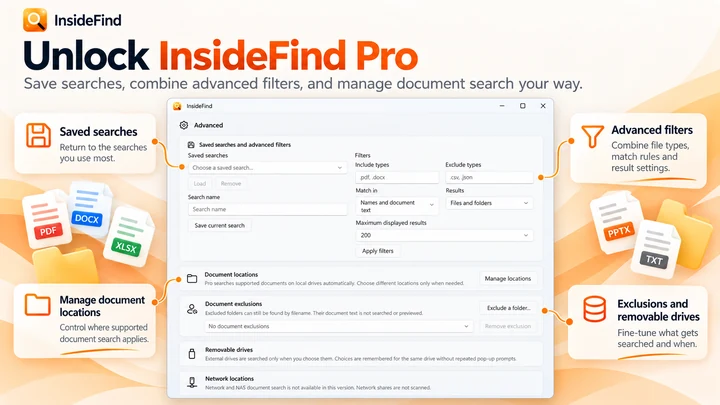

搜索文件名;结合 InsideFind Pro,还可搜索支持文档内部的文本。

从存储卡复制文件,流程内置校验功能。
Workflow guide
Collect matching files from folders using a list of filenames, SKUs, or product IDs. Review missing and duplicate matches before copying files into one folder.
Troubleshooting
Troubleshoot failed video downloads on Windows 11, from unrecognized URLs and permission errors to interrupted transfers, storage issues, and batch download problems.
Explainer
Keep reference windows and notes visible on Windows 11 with Snap layouts, PowerToys Always On Top, or DeskPilot+ floating notes and window pinning.