
Files & documents
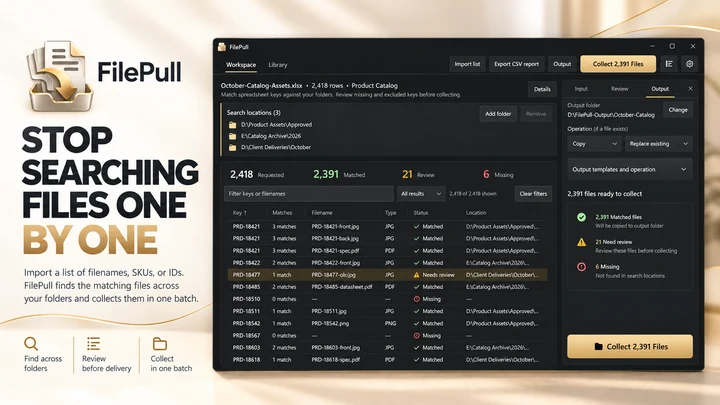
FilePull
Find and collect files in batches using a list of filenames, SKUs, or IDs.
Files & documents
PrintMerge Studio
Create labels, cards, and print layouts with a dedicated Windows workspace.
Windows app. Pricing and requirements are listed on Microsoft Store.
At a glance
View the official listingMeet PrintMerge Studio
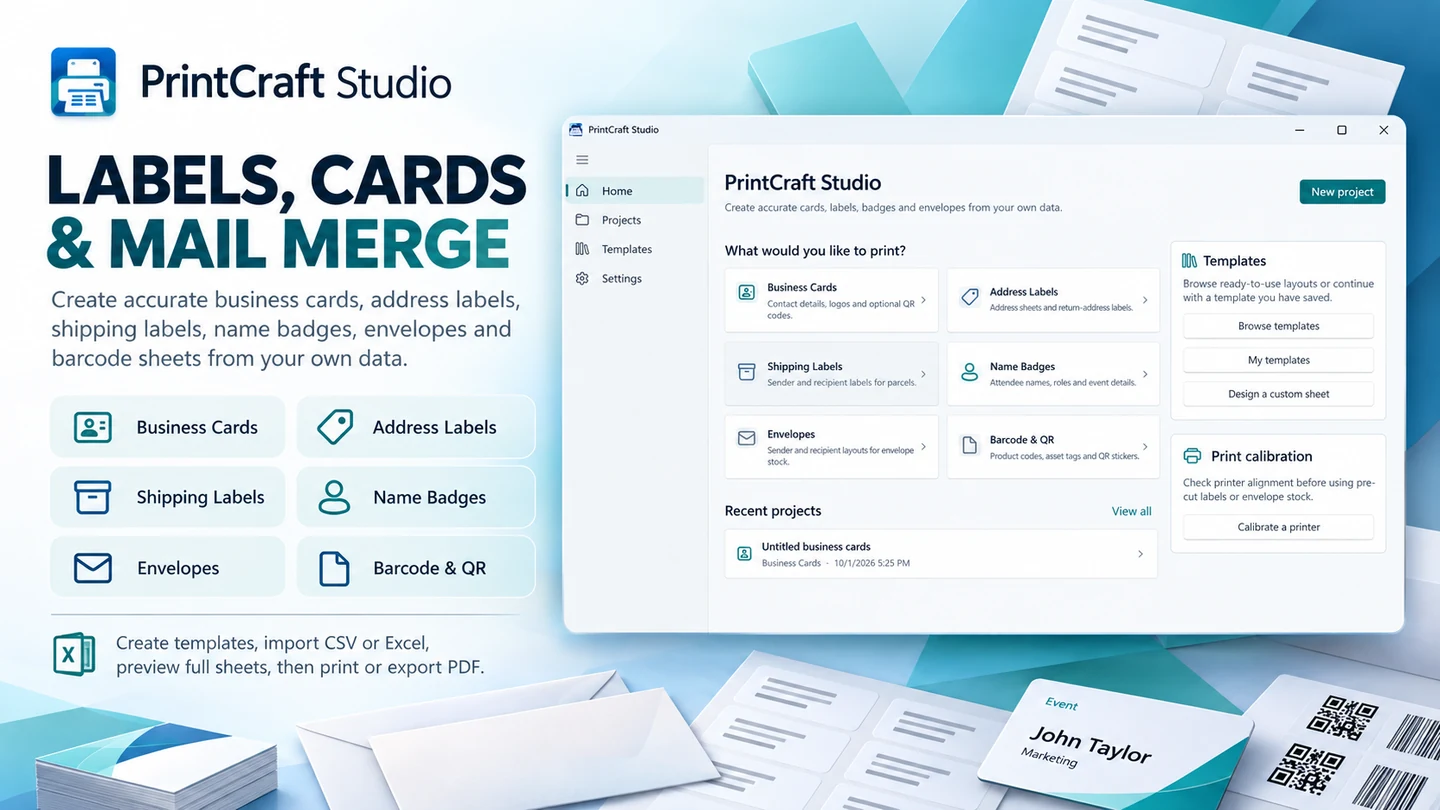
PrintMerge Studio is a professional Windows print-layout application for creating business cards, address labels, shipping labels, name badges, envelopes, barcode sheets, QR code sheets and custom print layouts without learning complicated publishing software. Choose a ready-made template, enter information manually or import CSV and Excel data, preview the complete physical sheet, then print directly from Windows or export an accurately sized PDF. PrintMerge Studio is designed for small businesses, online sellers, offices, teachers, event organizers, clubs and home users who need reliable, reusable print layouts with clear workflows and accurate physical sizing.
See the Microsoft Store listing for current features, system requirements, supported languages, and purchase options.
Common questions
PrintMerge Studio is a Windows app by SteveShines in the Files & documents category. Create labels, cards, and print layouts with a dedicated Windows workspace.
Highlights of PrintMerge Studio: Labels and cards; Print layouts.
PrintMerge Studio is a Windows desktop app. See the Microsoft Store listing for current system requirements.
Install PrintMerge Studio from its official Microsoft Store listing (https://apps.microsoft.com/detail/9PLTW3R31RT6). Microsoft Store handles installation and updates, and the listing shows current pricing and purchase options.
PrintMerge Studio is developed and published by SteveShines, which makes Windows apps for files, media, creative work, and desktop productivity. For help, use https://steveshines.com/contact/.
Find and collect files in batches using a list of filenames, SKUs, or IDs.
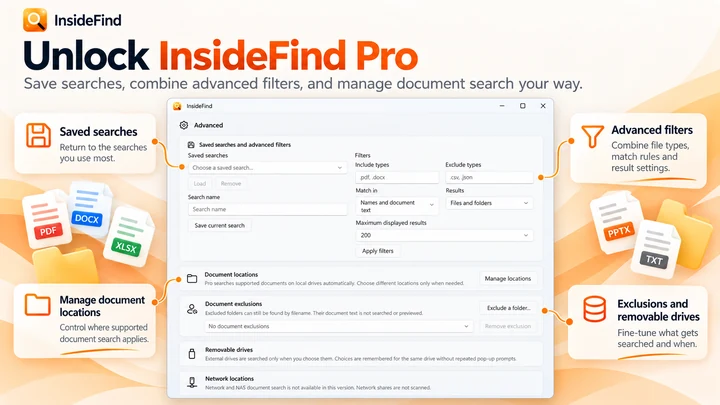

Search filenames and, with InsideFind Pro, the text inside supported documents.

Copy files from cards with verification built into the workflow.