

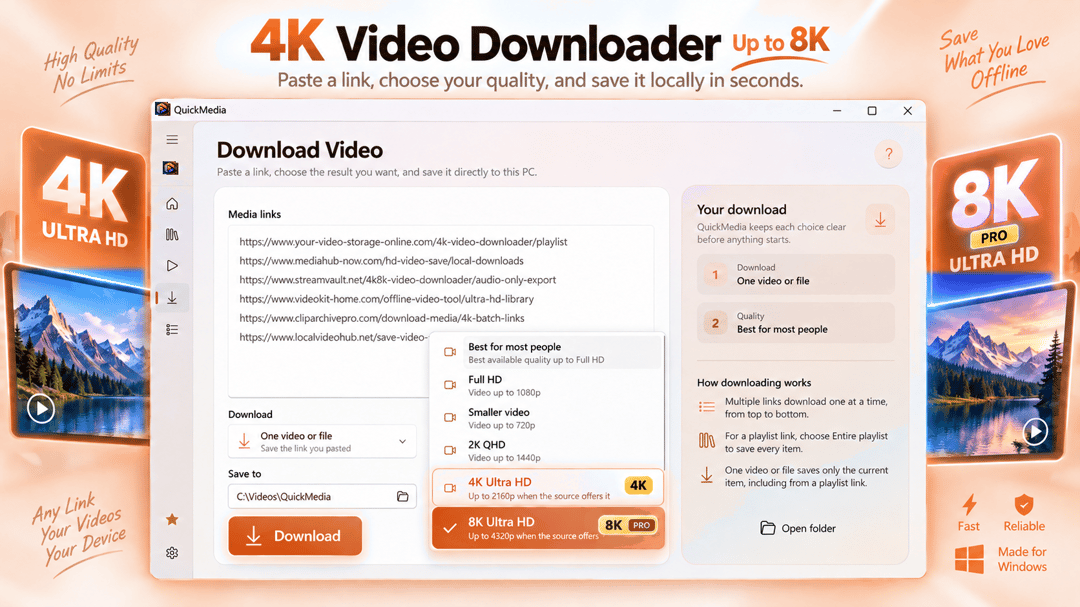

Download videos fast in 4K Ultra HD and up to 8K, save complete playlists, queue multiple video links, and keep your media offline on your Windows PC.

Media
CreatorCut
Video cutting, silence removal, and Whisper captions in a desktop editor.
Windows app. Pricing and requirements are listed on Microsoft Store.
At a glance
View the official listingMeet CreatorCut
Cut videos, remove silence, generate automatic captions, resize content for vertical and square formats, and export multiple versions from one source video directly on your Windows PC.
See the Microsoft Store listing for current features, system requirements, supported languages, and purchase options.
Try it in your browser
Free and private: the video plays from your device and nothing is uploaded.
The video plays from this device in your browser. Any format your browser can play: MP4 (H.264), WebM, and usually HEVC and AV1.
Common questions
CreatorCut is a Windows app by SteveShines in the Media category. Video cutting, silence removal, and Whisper captions in a desktop editor.
Highlights of CreatorCut: Video cutting; Silence removal; Whisper captions.
CreatorCut is a Windows desktop app. See the Microsoft Store listing for current system requirements.
Install CreatorCut from its official Microsoft Store listing (https://apps.microsoft.com/detail/9PGX1LF7NZFK). Microsoft Store handles installation and updates, and the listing shows current pricing and purchase options.
CreatorCut is developed and published by SteveShines, which makes Windows apps for files, media, creative work, and desktop productivity. For help, use https://steveshines.com/contact/.
Runs in your browser. Nothing is uploaded.
Download videos fast in 4K Ultra HD and up to 8K, save complete playlists, queue multiple video links, and keep your media offline on your Windows PC.
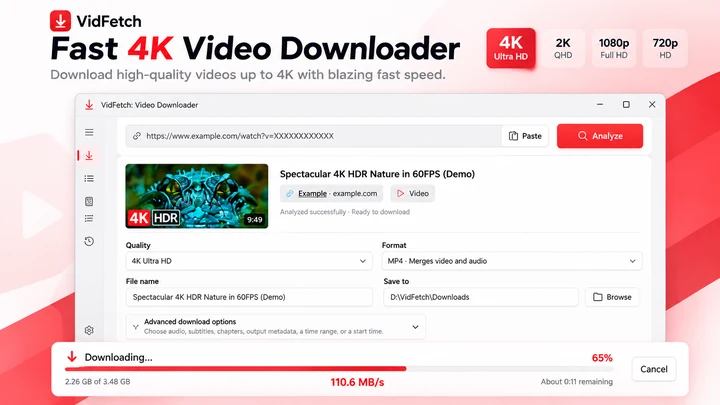
Download high-quality videos in 4K Ultra HD and up to 8K with VidFetch Pro.
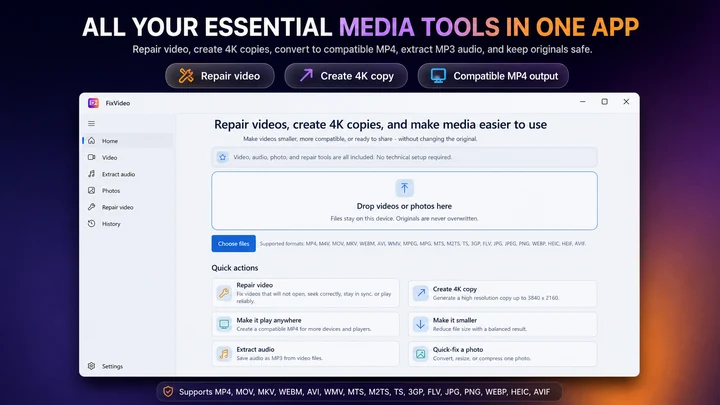

FixVideo is an offline video repair, compression, and conversion toolkit for Windows. Repair supported playback issues, compress 4K and HD recordings, convert videos to MP4, extract MP3 audio, and batch-optimize photos without uploading your personal files.
Video Downloader & streaming
Save a supported M3U8 stream as a locally usable video, preferably MP4
Video Downloader & streaming
Record compatible livestreams you are authorized to save, track download activity, and keep recordings locally on your Windows PC. Copy summary
Windows apps
Paste supported MP4, MP3, M3U8 and other media links into one Windows downloader to manage files, recordings, and local history.
Workflow guide
A practical Windows 11 workflow for taking an authorized video from download through format checks, repair or conversion, editing, subtitles, final export, and upload.
Video Downloader & streaming
An M3U8 file is a UTF-8 text playlist used by HLS streaming. Learn how master and media playlists work, why an M3U8 is not an MP4, and how to save a supported stream on Windows.
Explainer
Compare automatic captions with creator-edited subtitles: accuracy, timing, accessibility, SRT files and a practical Windows 11 workflow.
Explainer
Learn the difference between burned-in captions, selectable subtitle tracks and separate SRT/VTT files—and which format to use for sharing or uploading videos.
Explainer
Video downloaded but won’t open, shows a black screen or plays without sound? Check incomplete files, MP4 codecs and format compatibility before converting.
Explainer
Find screenshots saved by Win + Shift + S, Print Screen and Snipping Tool, check OneDrive, and keep your Windows 11 captures organized.
Explainer
Find the HEX or RGB value of any on-screen color on Windows 11. Compare PowerToys Color Picker and DeskPilot+ screen color tools.
Explainer
Keep reference windows and notes visible on Windows 11 with Snap layouts, PowerToys Always On Top, or DeskPilot+ floating notes and window pinning.
Technology explained
ASS is a styled subtitle format with fonts, colours, positions and effects. See what is inside an ASS file, how it differs from SRT, why many players ignore it, and what changes when you convert it.
Technology explained
Drop-frame timecode skips frame numbers, not frames, so 29.97 fps video keeps clock time. See why it exists, how the rule works, when to use drop-frame or non-drop, and how to convert timecode.

