

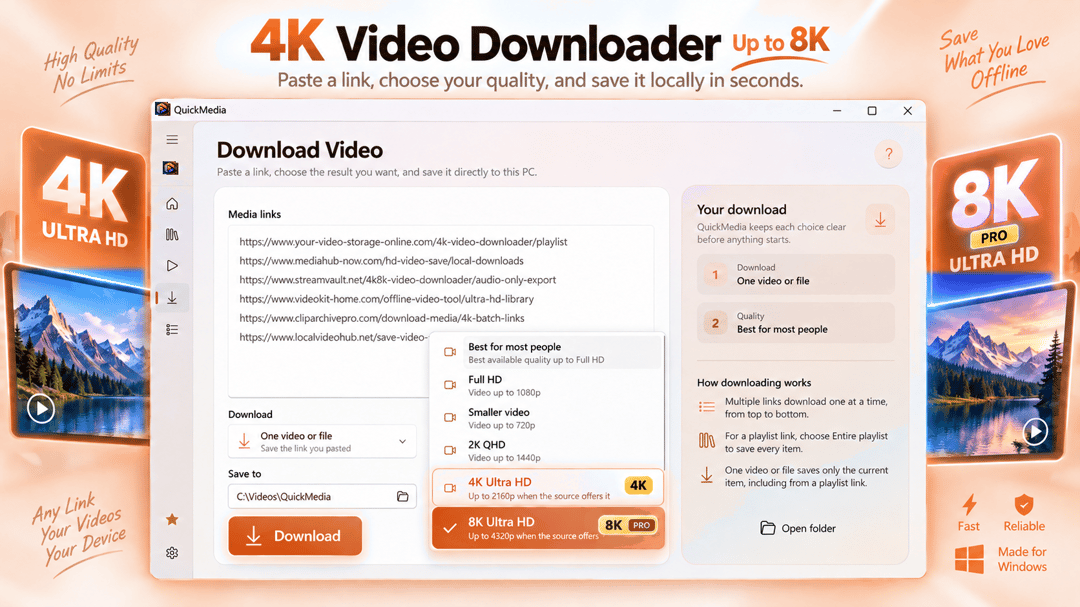

適用於 Windows 的影片下載器與媒體工具箱。

媒體
CreatorCut
桌面剪輯器中的影片剪輯、消除靜音和 Whisper 字幕功能。
Windows 應用程式。價格與系統需求請見 Microsoft Store。
重點一覽
查看官方商店頁面認識 CreatorCut
直接在您的 Windows PC 上剪輯影片、消除靜音、自動生成字幕、調整畫面以適應直向和正方形格式,並從單個源影片匯出多個版本。
最新功能、系統需求、支援語言與購買選項,請以 Microsoft Store 頁面為準。
常見問題
CreatorCut 是 SteveShines 推出的 Windows 應用程式,屬於「媒體」類別。桌面剪輯器中的影片剪輯、消除靜音和 Whisper 字幕功能。
CreatorCut 的主要功能:影片剪輯;靜音消除;Whisper 字幕。
CreatorCut 是 Windows 桌面應用程式。最新的系統需求請見 Microsoft Store 頁面。
請從 CreatorCut 的官方 Microsoft Store 頁面(https://apps.microsoft.com/detail/9PGX1LF7NZFK)安裝。安裝與更新由 Microsoft Store 處理,頁面上會顯示目前的價格與購買選項。
CreatorCut 由 SteveShines 開發與發行。SteveShines 專為檔案、媒體、創意工作與桌面生產力打造 Windows 應用程式。如需協助,請使用 https://steveshines.com/zh-tw/contact/。
在瀏覽器中執行,不會上傳任何檔案。
適用於 Windows 的影片下載器與媒體工具箱。
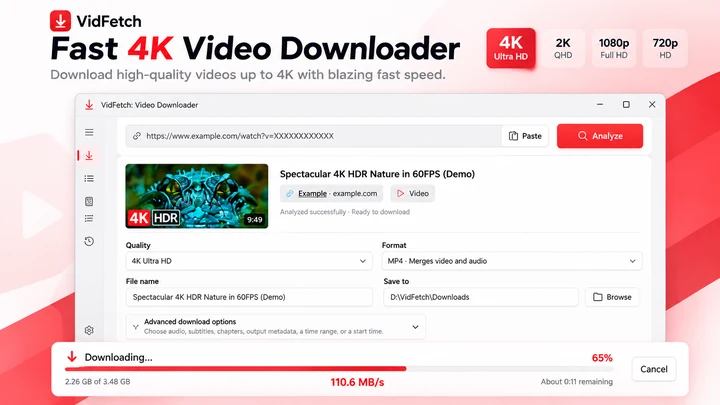
保存支援的線上影片,提供明確的畫質選項、播放清單、多連結下載、佇列、重試與本地歷史記錄。
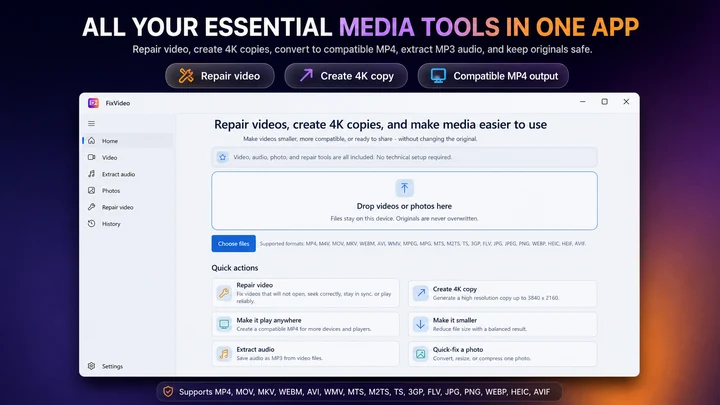

FixVideo 是適用於 Windows 的離線影片修復、壓縮與轉檔工具箱。修復支援的播放問題,壓縮 4K 和 HD 錄影,將影片轉檔為 MP4,擷取 MP3 音訊,並在無需上傳個人檔案的情況下批量優化照片。
Video Downloader & streaming
Save a supported M3U8 stream as a locally usable video, preferably MP4
Video Downloader & streaming
Record compatible livestreams you are authorized to save, track download activity, and keep recordings locally on your Windows PC. Copy summary
Windows apps
Paste supported MP4, MP3, M3U8 and other media links into one Windows downloader to manage files, recordings, and local history.
Workflow guide
A practical Windows 11 workflow for taking an authorized video from download through format checks, repair or conversion, editing, subtitles, final export, and upload.
Video Downloader & streaming
An M3U8 file is a UTF-8 text playlist used by HLS streaming. Learn how master and media playlists work, why an M3U8 is not an MP4, and how to save a supported stream on Windows.
Explainer
Compare automatic captions with creator-edited subtitles: accuracy, timing, accessibility, SRT files and a practical Windows 11 workflow.
Explainer
Learn the difference between burned-in captions, selectable subtitle tracks and separate SRT/VTT files—and which format to use for sharing or uploading videos.
Explainer
Video downloaded but won’t open, shows a black screen or plays without sound? Check incomplete files, MP4 codecs and format compatibility before converting.
Explainer
Find screenshots saved by Win + Shift + S, Print Screen and Snipping Tool, check OneDrive, and keep your Windows 11 captures organized.
Explainer
Find the HEX or RGB value of any on-screen color on Windows 11. Compare PowerToys Color Picker and DeskPilot+ screen color tools.
Explainer
Keep reference windows and notes visible on Windows 11 with Snap layouts, PowerToys Always On Top, or DeskPilot+ floating notes and window pinning.
Technology explained
ASS is a styled subtitle format with fonts, colours, positions and effects. See what is inside an ASS file, how it differs from SRT, why many players ignore it, and what changes when you convert it.
Technology explained
Drop-frame timecode skips frame numbers, not frames, so 29.97 fps video keeps clock time. See why it exists, how the rule works, when to use drop-frame or non-drop, and how to convert timecode.

