
文件与文档
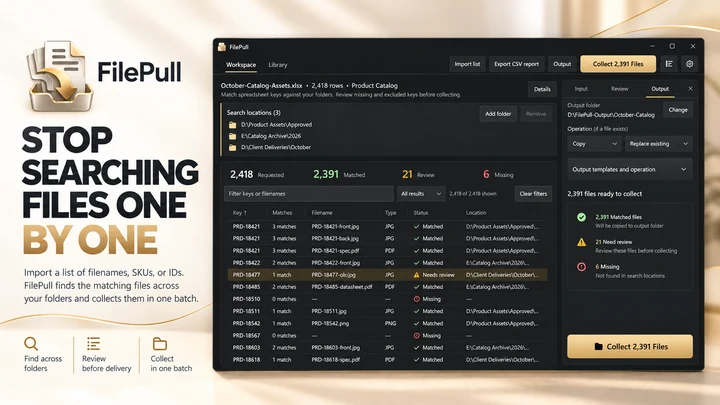
FilePull
根据文件名、SKU 或 ID 列表批量查找和收集文件。

文件与文档
InsideFind
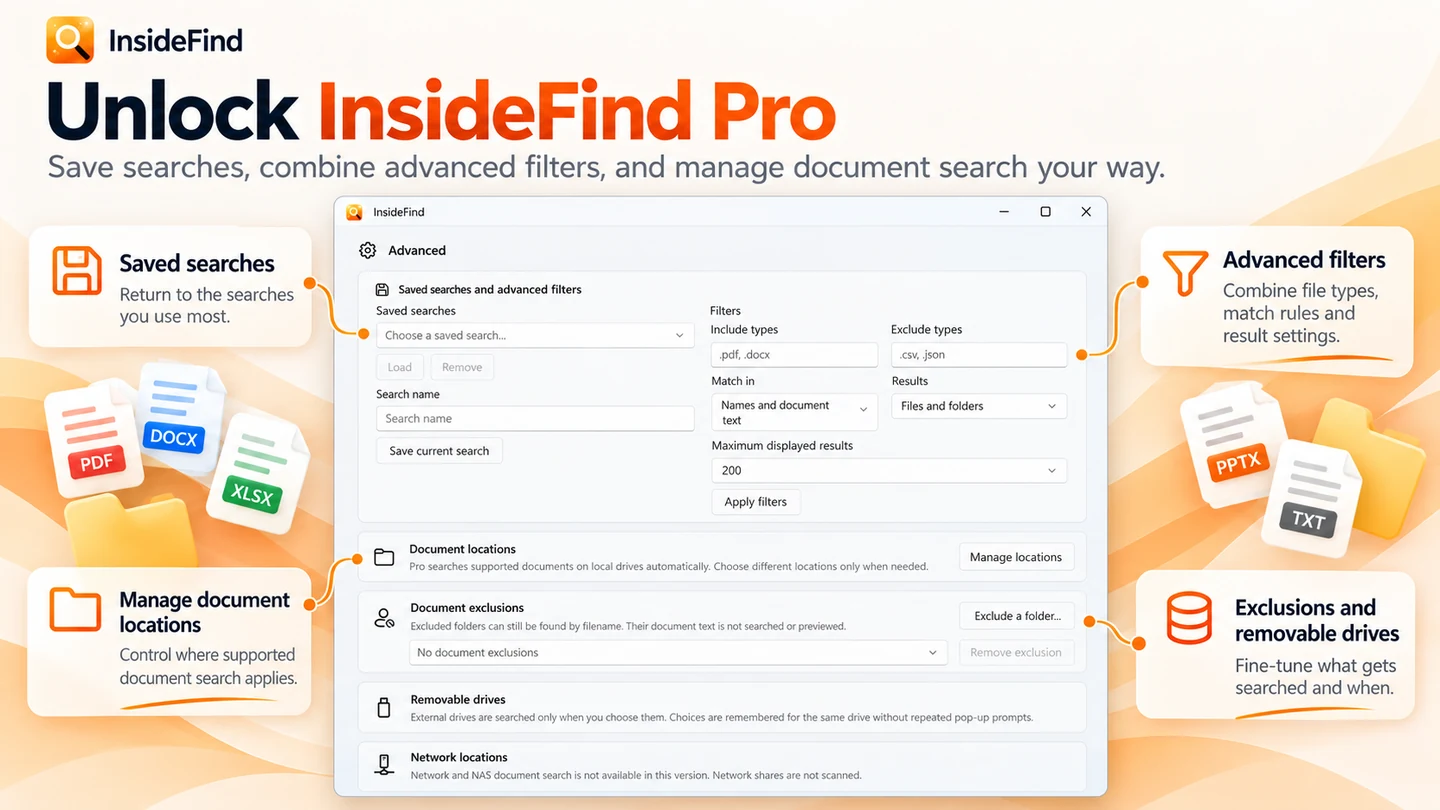
搜索文件名;结合 InsideFind Pro,还可搜索支持文档内部的文本。
Windows 应用。价格和系统要求请见 Microsoft Store。
要点一览
查看官方商店页面认识 InsideFind
忘记了文件名,但记得文档里的某个短语、数字、项目名称、发票细节、合同条款或句子?InsideFind 可帮助您在 Windows PC 上通过文件名、文件夹名称、路径或支持文档中包含的实际文本来查找文件和文件夹。无需逐个打开文件夹或盲猜文件名,只需输入您记得的内容,InsideFind 就会显示带有匹配文本的关联结果,让您快速锁定目标文件。
最新功能、系统要求、支持的语言和购买选项,请以 Microsoft Store 页面为准。
常见问题
InsideFind 是 SteveShines 推出的 Windows 应用,属于“文件与文档”类别。搜索文件名;结合 InsideFind Pro,还可搜索支持文档内部的文本。
InsideFind 的主要功能:文件名与路径搜索;使用 Pro 进行文档内容搜索。
InsideFind 是 Windows 桌面应用。最新的系统要求请见 Microsoft Store 页面。
请从 InsideFind 的官方 Microsoft Store 页面(https://apps.microsoft.com/detail/9N1DVWMN2DTZ)安装。安装和更新由 Microsoft Store 负责,页面上会显示当前的价格和购买选项。
InsideFind 由 SteveShines 开发和发布。SteveShines 专为文件、媒体、创意工作和桌面效率打造 Windows 应用。如需帮助,请访问 https://steveshines.com/zh-cn/contact/。
根据文件名、SKU 或 ID 列表批量查找和收集文件。
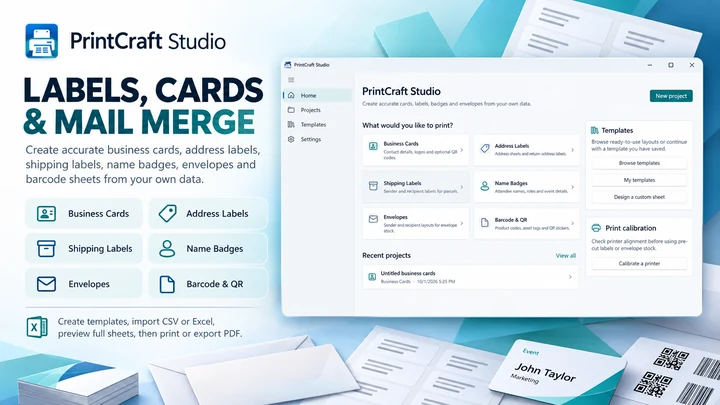

在 Windows 专属工作区中创建标签、卡片和打印布局。

从存储卡复制文件,流程内置校验功能。
Explainer
Learn how to move and copy files from multiple Windows folders, avoid repeated Copy/Paste, and organize a batch with a floating file staging shelf.
Explainer
Find screenshots saved by Win + Shift + S, Print Screen and Snipping Tool, check OneDrive, and keep your Windows 11 captures organized.
Explainer
Keep reference windows and notes visible on Windows 11 with Snap layouts, PowerToys Always On Top, or DeskPilot+ floating notes and window pinning.
Explainer
Learn how to search for text inside PDF and Word documents on Windows 11, troubleshoot indexing, and find files by content.
Workflow guide
Find an old document even when you have forgotten its filename. Search by phrases, invoice numbers or document contents.