
文件与文档
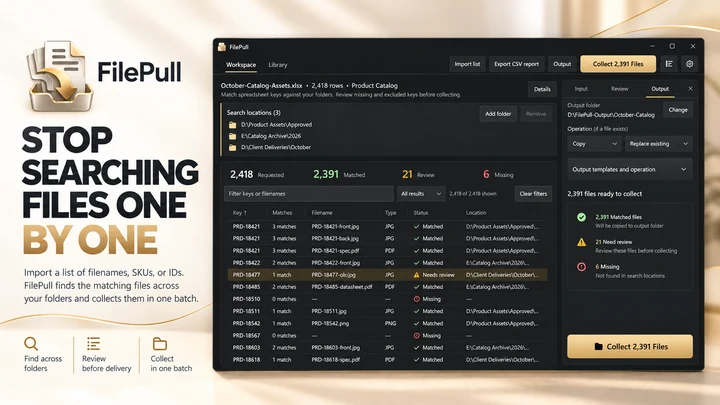
FilePull
根据文件名、SKU 或 ID 列表批量查找和收集文件。
文件与文档
PrintMerge Studio
在 Windows 专属工作区中创建标签、卡片和打印布局。
Windows 应用。价格和系统要求请见 Microsoft Store。
要点一览
查看官方商店页面认识 PrintMerge Studio
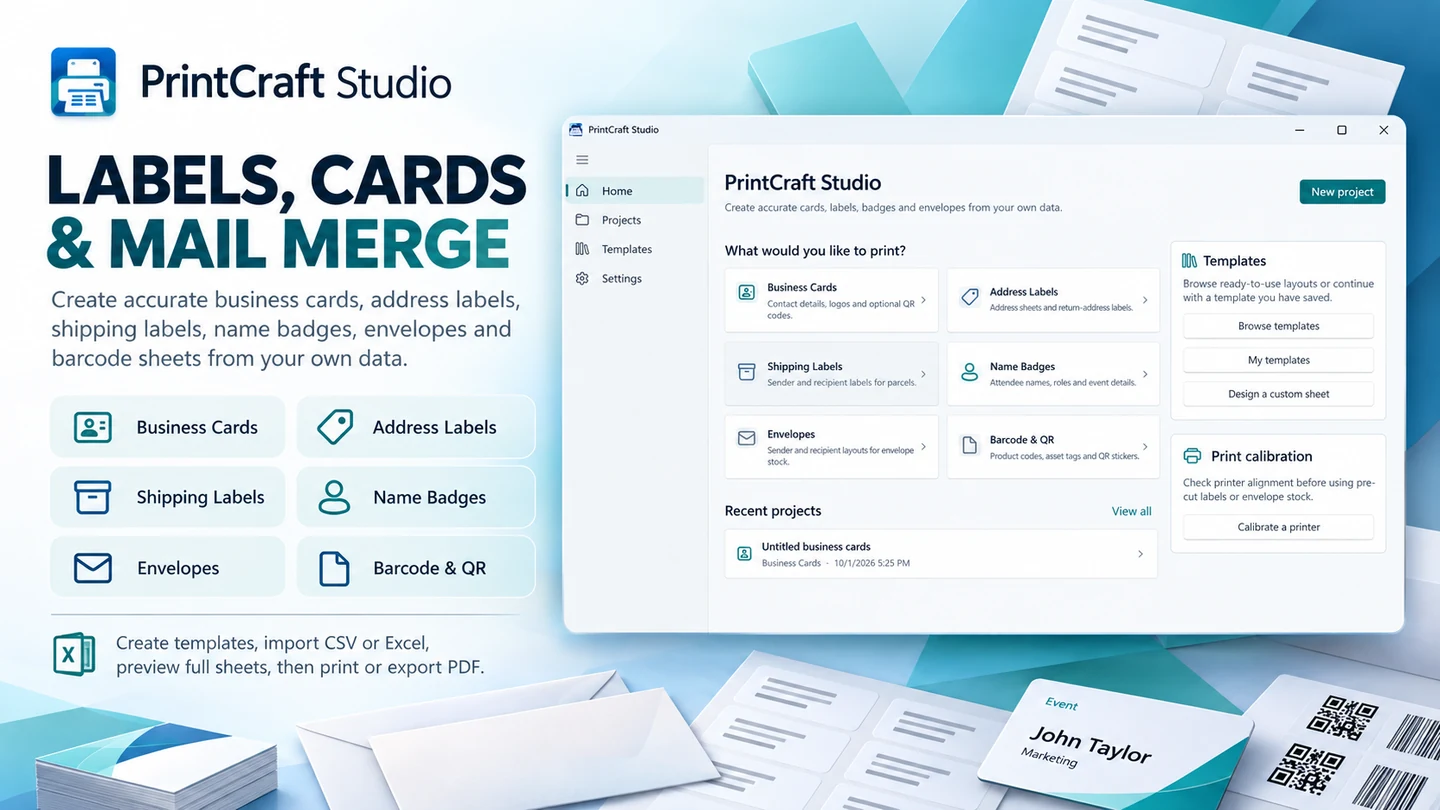
PrintMerge Studio 是一款专业的 Windows 打印布局应用程序,无需学习复杂的排版软件即可创建名片、地址标签、快递单标签、姓名牌、信封、条形码页、二维码页和自定义打印布局。选择现成的模板,手动输入信息或导入 CSV 和 Excel 数据,预览完整的物理纸张,然后直接从 Windows 打印或导出尺寸精确的 PDF。PrintMerge Studio 专为小微企业、电商卖家、办公室、教师、活动组织者、俱乐部和家庭用户设计,满足他们对可靠、可复用且具有清晰流程与精准物理尺寸的打印布局需求。
最新功能、系统要求、支持的语言和购买选项,请以 Microsoft Store 页面为准。
常见问题
PrintMerge Studio 是 SteveShines 推出的 Windows 应用,属于“文件与文档”类别。在 Windows 专属工作区中创建标签、卡片和打印布局。
PrintMerge Studio 的主要功能:标签与卡片;打印布局。
PrintMerge Studio 是 Windows 桌面应用。最新的系统要求请见 Microsoft Store 页面。
请从 PrintMerge Studio 的官方 Microsoft Store 页面(https://apps.microsoft.com/detail/9PLTW3R31RT6)安装。安装和更新由 Microsoft Store 负责,页面上会显示当前的价格和购买选项。
PrintMerge Studio 由 SteveShines 开发和发布。SteveShines 专为文件、媒体、创意工作和桌面效率打造 Windows 应用。如需帮助,请访问 https://steveshines.com/zh-cn/contact/。
根据文件名、SKU 或 ID 列表批量查找和收集文件。
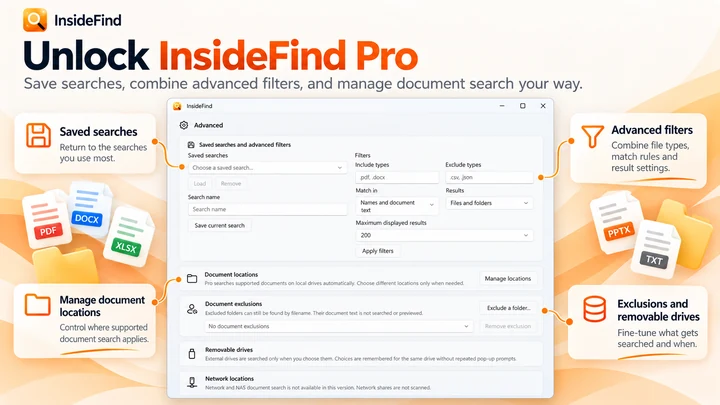

搜索文件名;结合 InsideFind Pro,还可搜索支持文档内部的文本。

从存储卡复制文件,流程内置校验功能。