DIRECT LINK DOWNLOADER: M3U8, HLS, MPD, MP4 & MP3 FOR WINDOWS
Save supported online videos, download M3U8 and HLS streams, capture compatible livestreams, and organize media links in one Windows application. Direct Link Downloader brings video downloading, stream saving, MP3 audio tools, download management, and optional Pro media features into a clear desktop workspace. Whether you need an individual MP4, a supported streaming playlist, or a collection of videos for offline use, the process starts with a link and ends with files saved to your PC.
M3U8 DOWNLOADER FOR WINDOWS 11
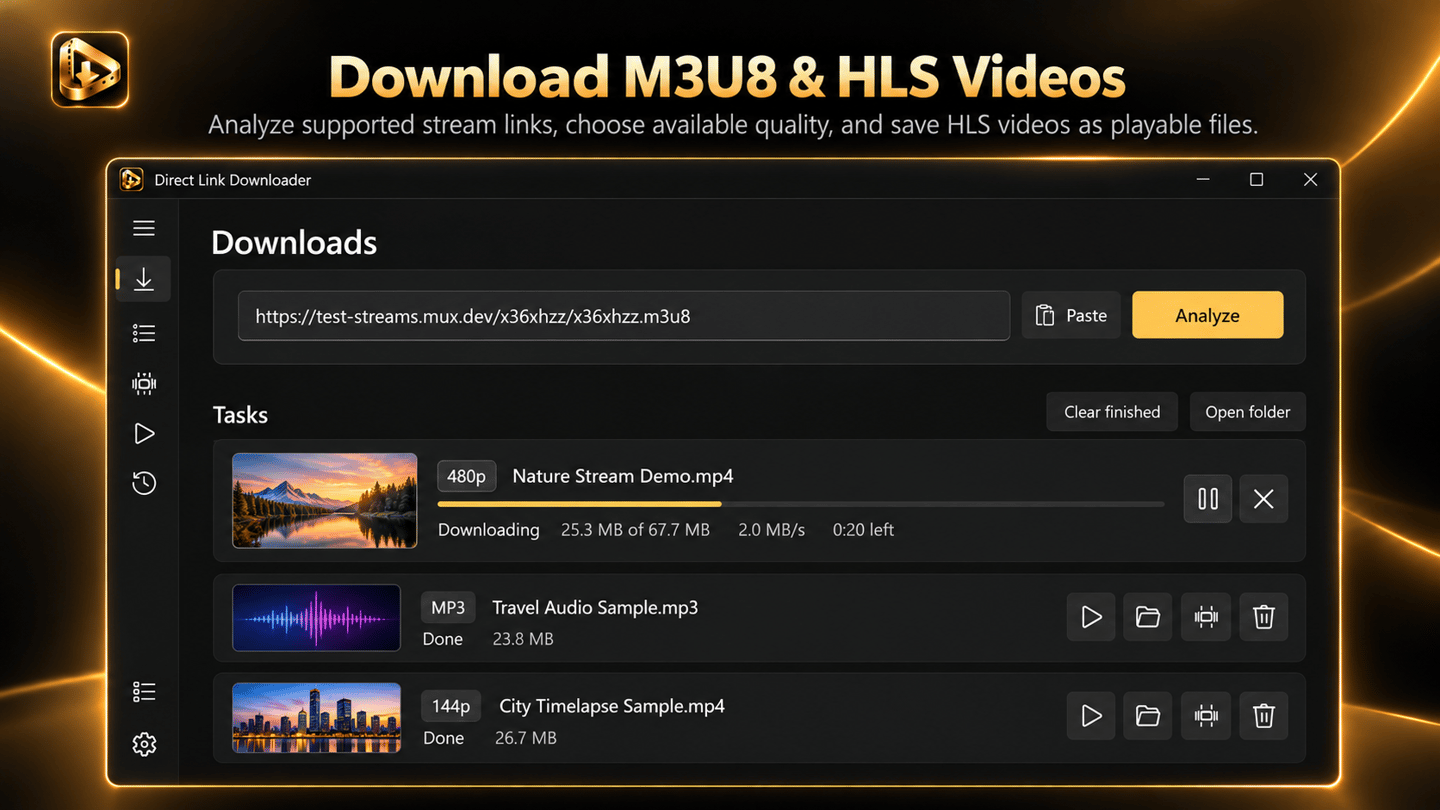
Need to save a video delivered through an M3U8 playlist? Direct Link Downloader supports compatible M3U8 and HLS streams, helping you save accessible video content locally instead of leaving it tied to a browser tab. M3U8 links are commonly used to deliver online video in smaller parts. The app gives you a straightforward Windows workflow for compatible links without making you manage those parts manually.
MPD AND DASH STREAM DOWNLOADER
Some video sources use MPD manifests and DASH streaming rather than M3U8 and HLS. Direct Link Downloader also supports compatible MPD and DASH links, so you can manage different supported streaming formats in one Windows app. Instead of looking for a separate tool whenever a source uses another streaming format, work with supported stream URLs from the same desktop workspace.
Sometimes you already have the direct address of a video or audio file. Direct Link Downloader makes those everyday downloads simple: paste a compatible media URL, select a destination, and save the file to your computer. Keep recordings, project assets, media exports, or other authorized content in folders you control.
4K AND 8K VIDEO DOWNLOADING WITH PRO
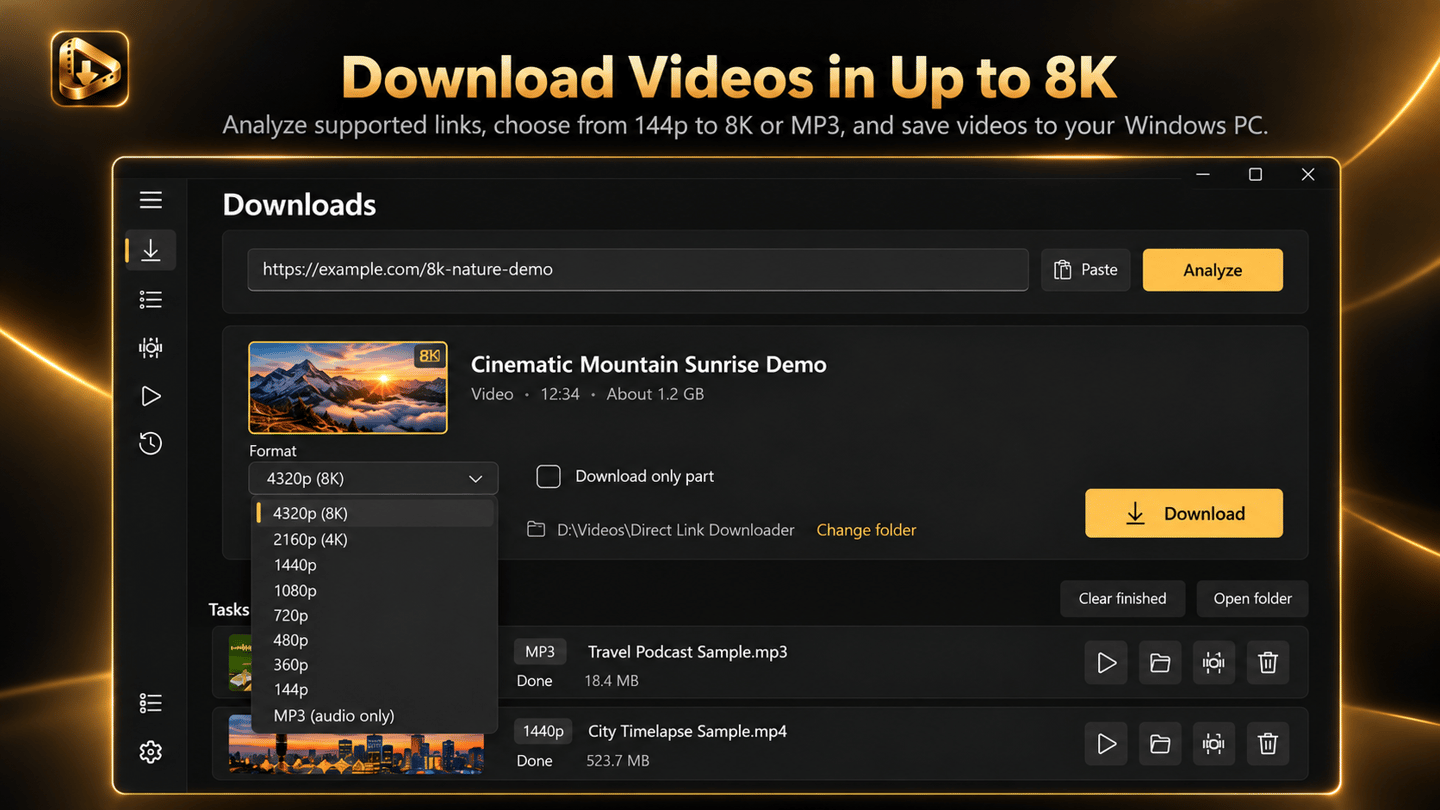
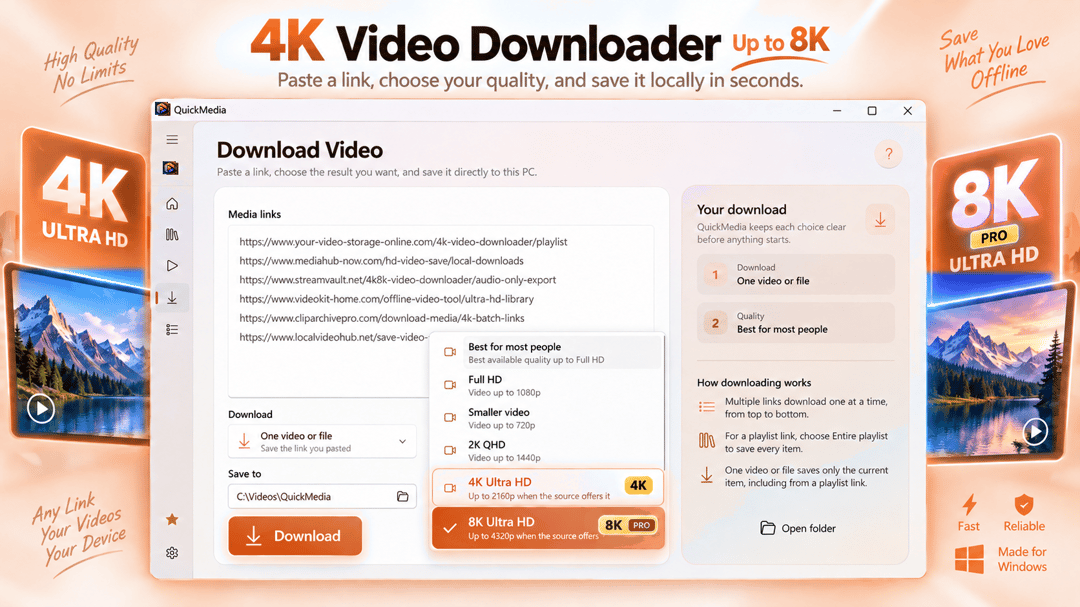
Save the available quality that fits your project. Direct Link Downloader supports video quality selection for compatible sources, with high-resolution options up to 4K and 8K through Pro when the original source offers them. Choose Full HD for everyday playback or higher resolutions for compatible displays, detailed footage, and high-quality media collections.
RECORD COMPATIBLE LIVESTREAMS
Want to keep a recording of a livestream you are authorized to save? Direct Link Downloader includes livestream recording for supported sources. Start a compatible recording task, follow its status, and save the available media locally for later review. This is useful for your own live productions, permitted broadcasts, training sessions, demonstrations, and other accessible live content.
VIDEO TO MP3 DOWNLOADS AND LOCAL AUDIO EXTRACTION
When you only need the sound, a full video file can be unnecessary. Direct Link Downloader supports MP3-oriented downloading from compatible sources and local audio extraction for supported files. Keep the spoken portion of an authorized recording, create an audio copy of your own video, or prepare sound from media you are permitted to use.
BATCH DOWNLOAD UP TO 500 LINKS WITH PRO
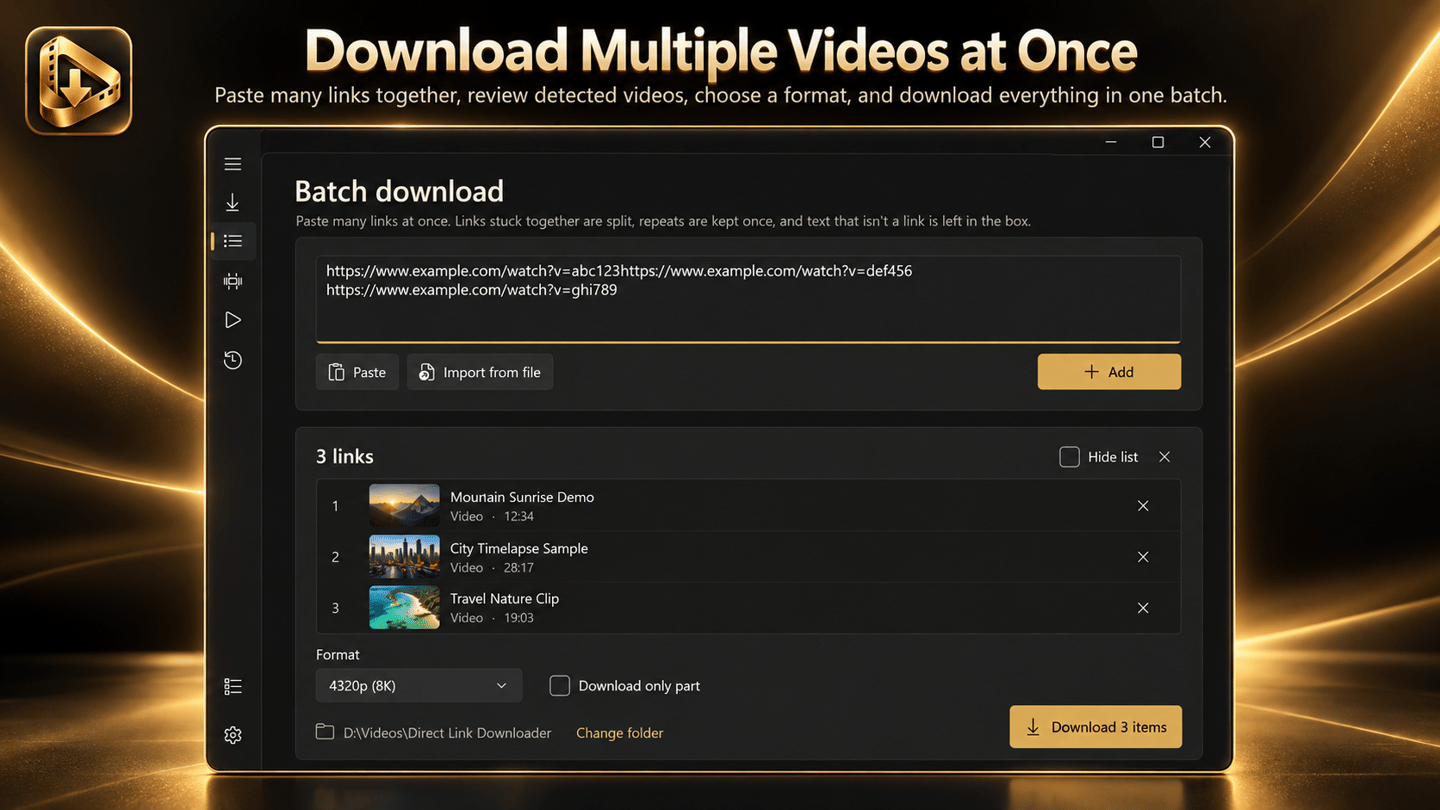
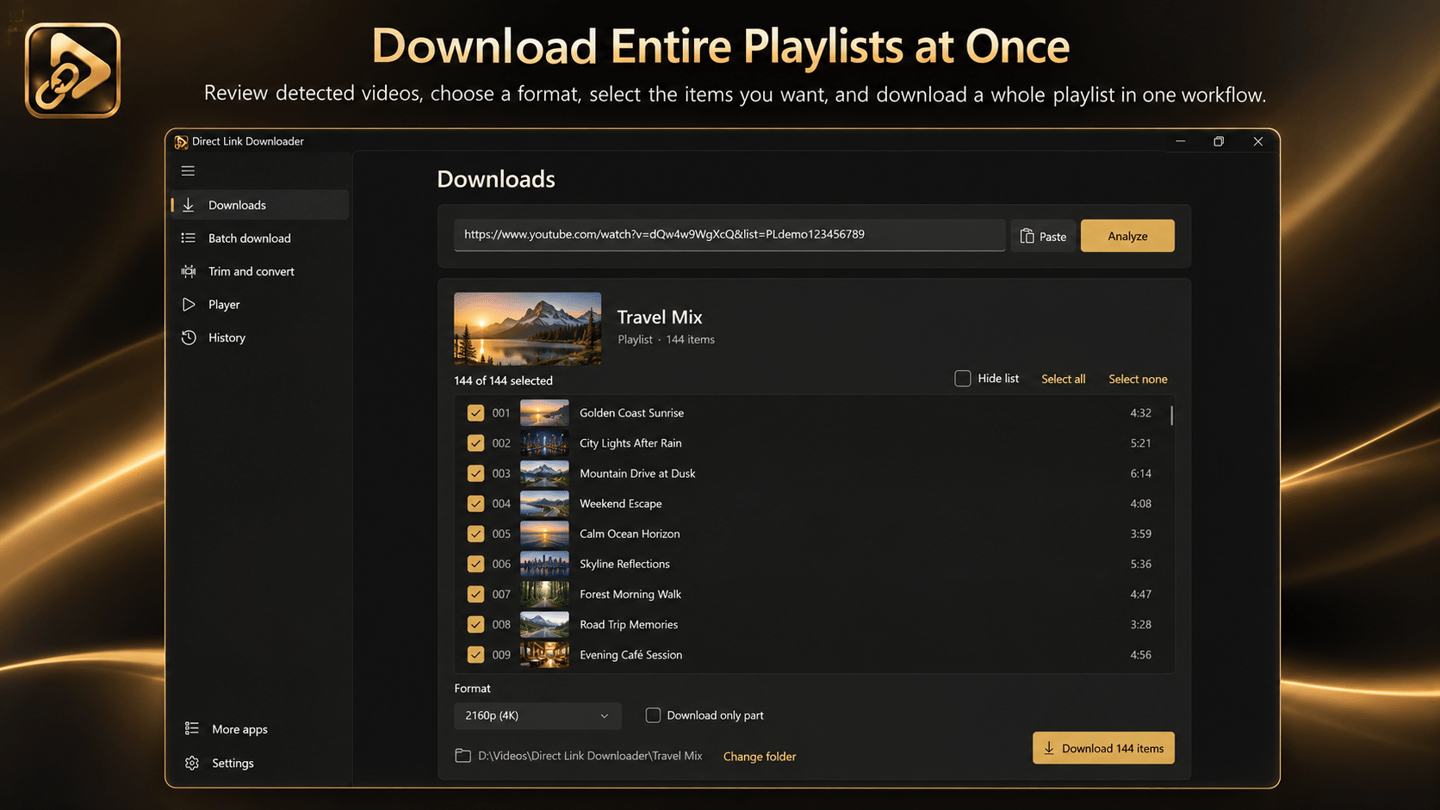
Have a large set of direct media URLs? Pro supports batch downloading for up to 500 links, helping you manage repetitive download work in a single workflow. Organize permitted training assets, archive links to your own productions, collect authorized project media, or prepare a set of downloadable resources without handling each URL as an unrelated task.
PLAYLIST DOWNLOADER FOR SUPPORTED COLLECTIONS
Direct Link Downloader Pro supports compatible playlist workflows for collections of up to 500 items. When media is organized as a supported playlist, you can manage the collection through the app instead of manually handling every available item one at a time. This makes it easier to save authorized lesson collections, your own published recordings, or downloadable media series.
DOWNLOAD QUEUE, PROGRESS, AND HISTORY
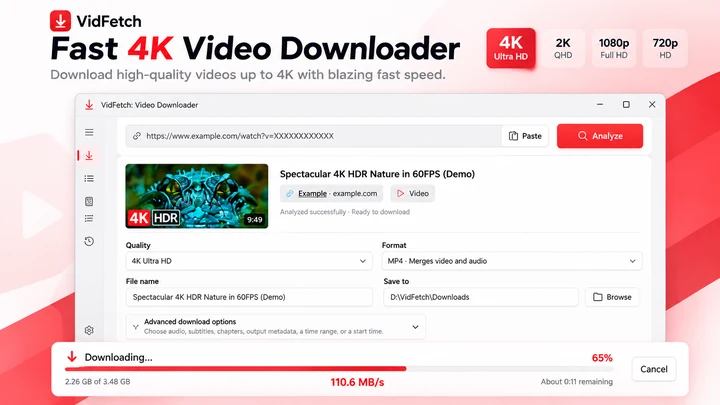
A good downloader should make it easy to see what is happening. Direct Link Downloader keeps downloads organized with visible progress and status information, so you can check active transfers, completed files, and items that need attention. Monitor supported downloads without juggling browser tabs or wondering whether a transfer has finished.
The app also provides local download history. Revisit previous activity, find the files you saved, and keep your media workflow organized across sessions. This is particularly useful when you download frequently, work with several media types, or return to a project after a few days.
PAUSE, RESUME, AND RETRY SUPPORTED DOWNLOADS
Large downloads and unstable connections do not always cooperate. Direct Link Downloader includes pause, resume, and retry controls for supported tasks, helping you manage interruptions within the download workspace. If an item fails, you can review its status and try again without losing track of the rest of your queue.
ADVANCED PARALLEL DOWNLOADING WITH PRO
For users handling multiple transfers, Pro offers up to three parallel downloads. Running several supported tasks can make it easier to work through a queue without waiting to start every item manually. Use the app's organized download view to see which transfers are active and which remain pending.
PARTIAL VIDEO DOWNLOADING WITH PRO
Not every project calls for an entire long video. Direct Link Downloader Pro includes partial video downloading for supported sources, letting you focus on the material you actually need when the source and available workflow allow it. This can help reduce unnecessary downloads when a short portion is more useful than a complete recording.
VIDEO TRIMMING FOR QUICK HIGHLIGHTS
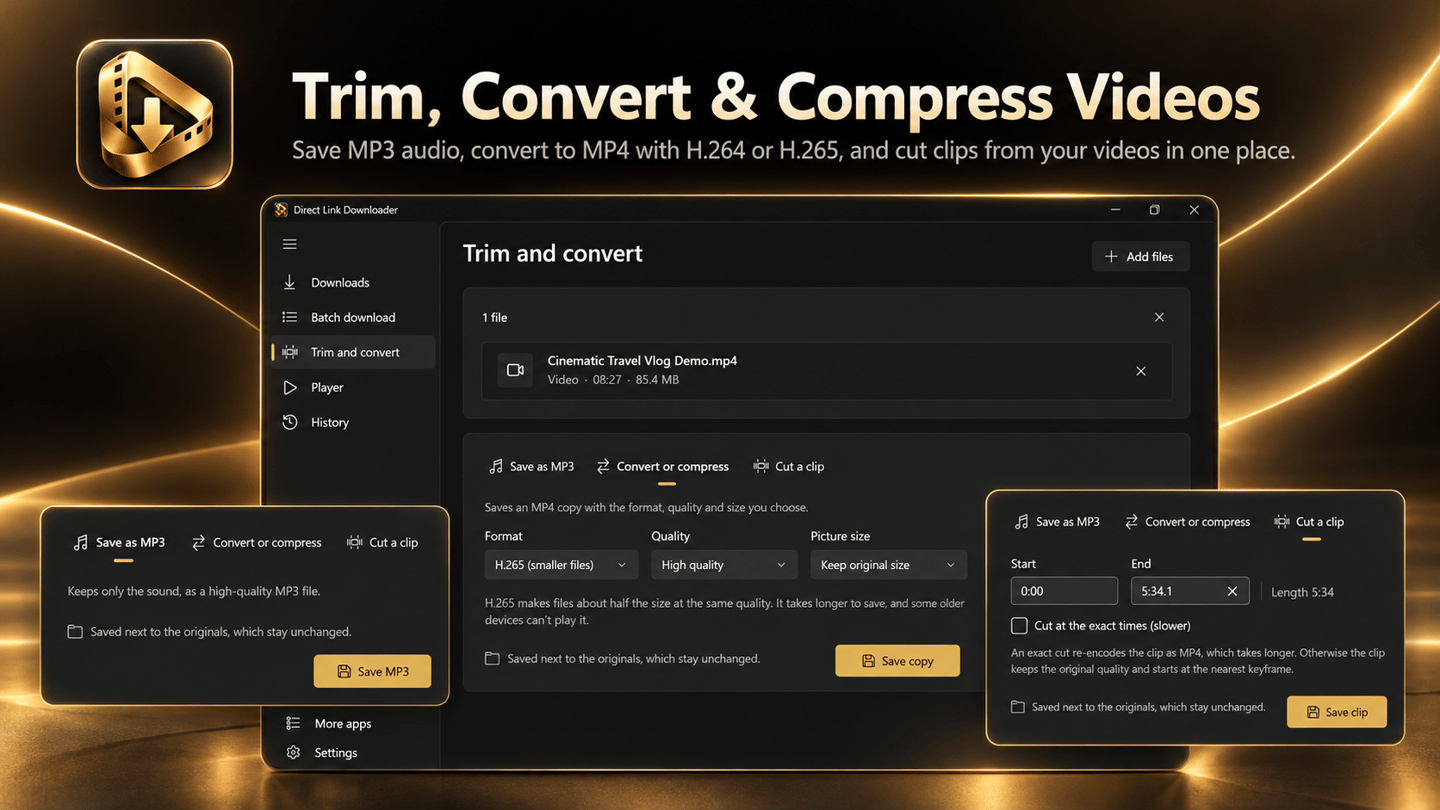
Need a short clip rather than a long recording? Direct Link Downloader includes fast video trimming for compatible local files, with exact trimming available through Pro. Prepare shorter selections for review, demonstrations, personal archives, or other authorized work without moving to a separate editing application for every basic cut.
MP4 VIDEO CONVERSION WITH PRO
Downloaded media is not always in the format you need for playback or sharing. Direct Link Downloader Pro includes MP4 video conversion for supported local files, helping you prepare media for compatible players, devices, and everyday workflows. Save a supported stream or download first, then use the available local conversion tools when a different output format is required.
H.264 AND H.265 VIDEO COMPRESSION WITH PRO
Video files can consume storage quickly, especially when they contain long recordings or high-resolution footage. Direct Link Downloader Pro provides H.264 and H.265 compression options for supported local videos, helping you create smaller files for storage, sharing, or archiving. Keep more of your media organized on your PC without reaching for a second application for basic compression tasks.
After saving media, you often want to check the result immediately. Direct Link Downloader Pro includes a built-in video player and mini player for supported files, helping you review recordings and downloads without switching to an unrelated application. Confirm the content, check a clip, or continue reviewing media while you organize your files.
CUSTOM FILENAMES AND AN ORGANIZED LOCAL WORKFLOW
Pro offers custom output filename templates to help you keep larger media collections consistent. Clear file names and sensible destination folders make it easier to find recordings, compare versions, and return to previous work. For casual use, choose a folder and download. For repetitive tasks, take advantage of the additional organization options available in Pro.
WHO IS DIRECT LINK DOWNLOADER FOR?
Direct Link Downloader is built for Windows users who want to save supported video and audio directly to their computers. It can help content creators keep copies of their own media, educators organize permitted learning recordings, production teams collect authorized project files, and everyday users manage compatible media links in one place.
START WITH THE CORE APP, UPGRADE WHEN YOU NEED MORE
Use the core downloading workflow for supported media links, stream saving, livestream recording, download controls, and local history, subject to the features available in your installed version. Pro adds advanced capabilities including quality options up to 4K and 8K when available, batches of up to 500 links, supported playlists of up to 500 items, up to three parallel downloads, partial downloading, exact trimming, MP4 conversion, H.264/H.265 compression, filename templates, and in-app playback tools.
Check the current Microsoft Store and in-app purchase screens for the latest Pro pricing, availability, and feature entitlements. No particular format, website, stream, speed, or resolution is guaranteed across all sources.
SUPPORTED SOURCES AND RESPONSIBLE USE
Direct Link Downloader works with compatible media links and accessible streaming sources. Availability can change when websites alter their media delivery methods, URLs expire, streams end, or access permissions change. The app does not bypass digital rights management (DRM), paywalls, authentication restrictions, or other protections. Download and record only media you own or have permission to save, and follow applicable licensing terms and copyright rules.
From a single direct MP4 link to an accessible M3U8 playlist, from a permitted livestream recording to a large batch of downloadable media, Direct Link Downloader gives you one place to manage supported saving tasks. Choose the media you are authorized to keep, monitor progress, save files to your PC, and use the optional Pro tools when your workflow calls for more.
See the Microsoft Store listing for current features, system requirements, supported languages, and purchase options.