

Creative tools
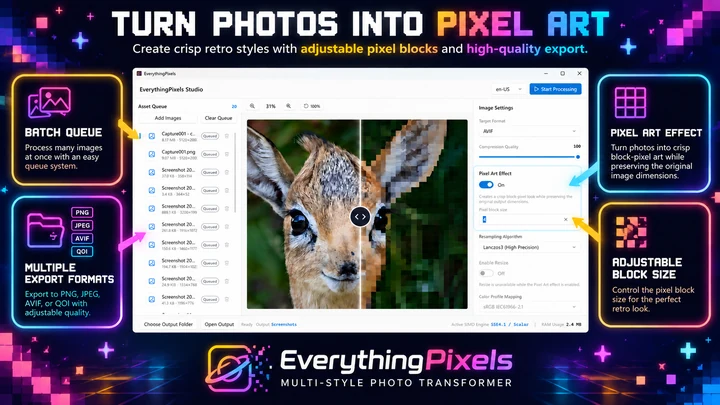
EverythingPixels
Image compression and pixel art tools for Windows.
Creative tools
Iconize Studio
Generate app icons and assets, optimize SVGs, and process images in batches.
Windows app. Pricing and requirements are listed on Microsoft Store.
At a glance
View the official listingMeet Iconize Studio
Create app icons, favicons, ICO files, optimized SVGs, transparent graphics, and complete multi-platform asset packs directly on your Windows PC.
See the Microsoft Store listing for current features, system requirements, supported languages, and purchase options.
Common questions
Iconize Studio is a Windows app by SteveShines in the Creative tools category. Generate app icons and assets, optimize SVGs, and process images in batches.
Highlights of Iconize Studio: App icon generation; SVG optimization; Batch assets.
Iconize Studio is a Windows desktop app. See the Microsoft Store listing for current system requirements.
Install Iconize Studio from its official Microsoft Store listing (https://apps.microsoft.com/detail/9PK3KHNC92LP). Microsoft Store handles installation and updates, and the listing shows current pricing and purchase options.
Iconize Studio is developed and published by SteveShines, which makes Windows apps for files, media, creative work, and desktop productivity. For help, use https://steveshines.com/contact/.
Image compression and pixel art tools for Windows.
Explainer
Learn how to move and copy files from multiple Windows folders, avoid repeated Copy/Paste, and organize a batch with a floating file staging shelf.
Explainer
Find the HEX or RGB value of any on-screen color on Windows 11. Compare PowerToys Color Picker and DeskPilot+ screen color tools.
