

桌面與專注
Mochi
一款用於專注與工作的動態桌面伴侶。

桌面與專注
DeskPilot+
桌面伴侶與實用的螢幕工具、便籤和工作區實用程式。
Windows 應用程式。價格與系統需求請見 Microsoft Store。
重點一覽
查看官方商店頁面認識 DeskPilot+
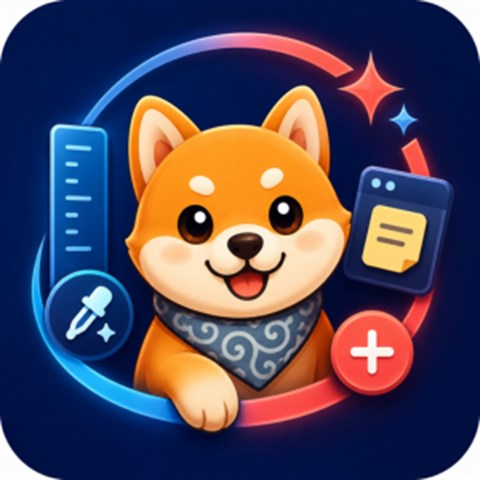
DeskPilot+ 是一款原生 Windows 桌面生產力應用程式,集成了互動桌面寵物與實用的螢幕工具、懸浮便籤、視窗置頂、任務清單、護眼休息提醒以及輕量級工作區實用程式。
最新功能、系統需求、支援語言與購買選項,請以 Microsoft Store 頁面為準。
常見問題
DeskPilot+ 是 SteveShines 推出的 Windows 應用程式,屬於「桌面與專注」類別。桌面伴侶與實用的螢幕工具、便籤和工作區實用程式。
DeskPilot+ 的主要功能:螢幕取色器;像素尺;桌面伴侶。
DeskPilot+ 是 Windows 桌面應用程式。最新的系統需求請見 Microsoft Store 頁面。
請從 DeskPilot+ 的官方 Microsoft Store 頁面(https://apps.microsoft.com/detail/9N47Z14Q0VKB)安裝。安裝與更新由 Microsoft Store 處理,頁面上會顯示目前的價格與購買選項。
DeskPilot+ 由 SteveShines 開發與發行。SteveShines 專為檔案、媒體、創意工作與桌面生產力打造 Windows 應用程式。如需協助,請使用 https://steveshines.com/zh-tw/contact/。
一款用於專注與工作的動態桌面伴侶。

顯示器控制、亮度、HDR 和桌面自動化工具。

適用於 Windows 的視窗版面配置管理器與工作區整理工具。
Explainer
Learn how to move and copy files from multiple Windows folders, avoid repeated Copy/Paste, and organize a batch with a floating file staging shelf.
Explainer
Find the HEX or RGB value of any on-screen color on Windows 11. Compare PowerToys Color Picker and DeskPilot+ screen color tools.
Explainer
Keep reference windows and notes visible on Windows 11 with Snap layouts, PowerToys Always On Top, or DeskPilot+ floating notes and window pinning.